See when a task needs you
See when Codex hits an error, needs an answer, or finishes a task. Errors and questions appear first.
 ConversationDeck
 ConversationDeck for Mac
A Stream Deck plugin for your Codex tasks on Mac.
See task status on your keys. Press a key to open the task.
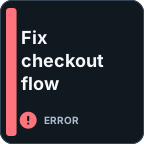
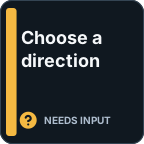

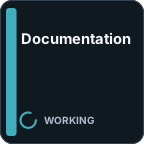
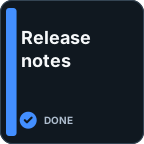
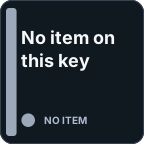
See when Codex hits an error, needs an answer, or finishes a task. Errors and questions appear first.
Cycle through your chat Inbox with one button. Add more Inbox buttons to see several tasks at once.
Give a task you check often its own key. It always shows that task’s status and opens it when pressed.
Use one Inbox button or several, and give chats you check often their own buttons.
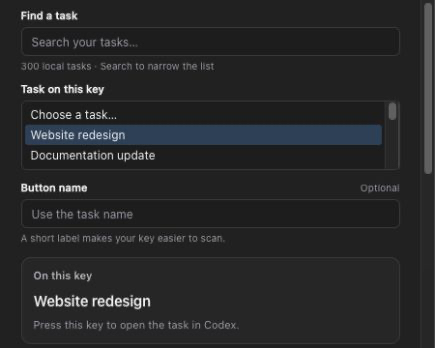
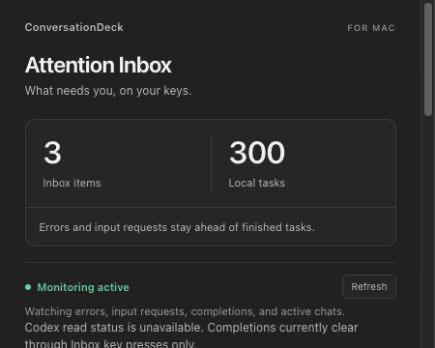
Settings shown with sample tasks.
Available on the Elgato Marketplace.
Get it on Elgato Marketplace Already have a copy?macOS 13+, Stream Deck 7.3+, and compatible local Codex tasks. Works on keys (not dials). Full requirements.
Task records stay on your Mac. The plugin has no backend and sends no data over the internet. How your data is handled.